For the complete documentation index, see llms.txt. Markdown versions of all docs pages are available by appending .md to any docs URL.
Install kagent
Install kagent and configure the model providers that your agents use.
Before you begin
Install the following tools.
Have a Kubernetes cluster at version 1.37 or later.
Create a local kind cluster.
kind create cluster --name kagent --image kindest/node:v1.37.0Set the API key of your model provider.
export OPENAI_API_KEY="your-api-key-here"
For the full requirements, see Advanced Install.
Install with CLI
The CLI installation suits evaluation, because it deploys a development PostgreSQL database. To pin a release or pass your own chart values, see Customize the CLI installation.
Install the kagent CLI and run it. The first command downloads the
kagentCLI. The second installs the CRDs, Agent Substrate, a development PostgreSQL database, and kagent into your cluster, in that order, and takes a few minutes.kagent installreads the API key that you set in Before you begin, and uses OpenAI unless you name another provider in the--providerflag.curl -sL https://kagent.dev/install | bash && kagent installPassword prompt, or an older kagent already installed?
The install script puts the CLI in
/usr/local/bin, and asks for your password to write there. To install withoutsudo, into$HOME/bin, run the script withbash -s -- --no-sudo.If an older
kagentis already on your path, your shell can keep running that one, andkagent installthen installs the older release. Runkagent versionand check thatkagent_versionis the release that the script downloaded.
Figure: Installing kagent on a local kind cluster with the CLI, sped up Open the kagent dashboard. The command forwards the UI to
http://localhost:8082, and on macOS also opens it in your browser. On Linux and Windows, follow the port-forward steps in Launch the UI. The dashboard lists your agents, models, MCP servers, and the tools that kagent discovered.kagent dashboard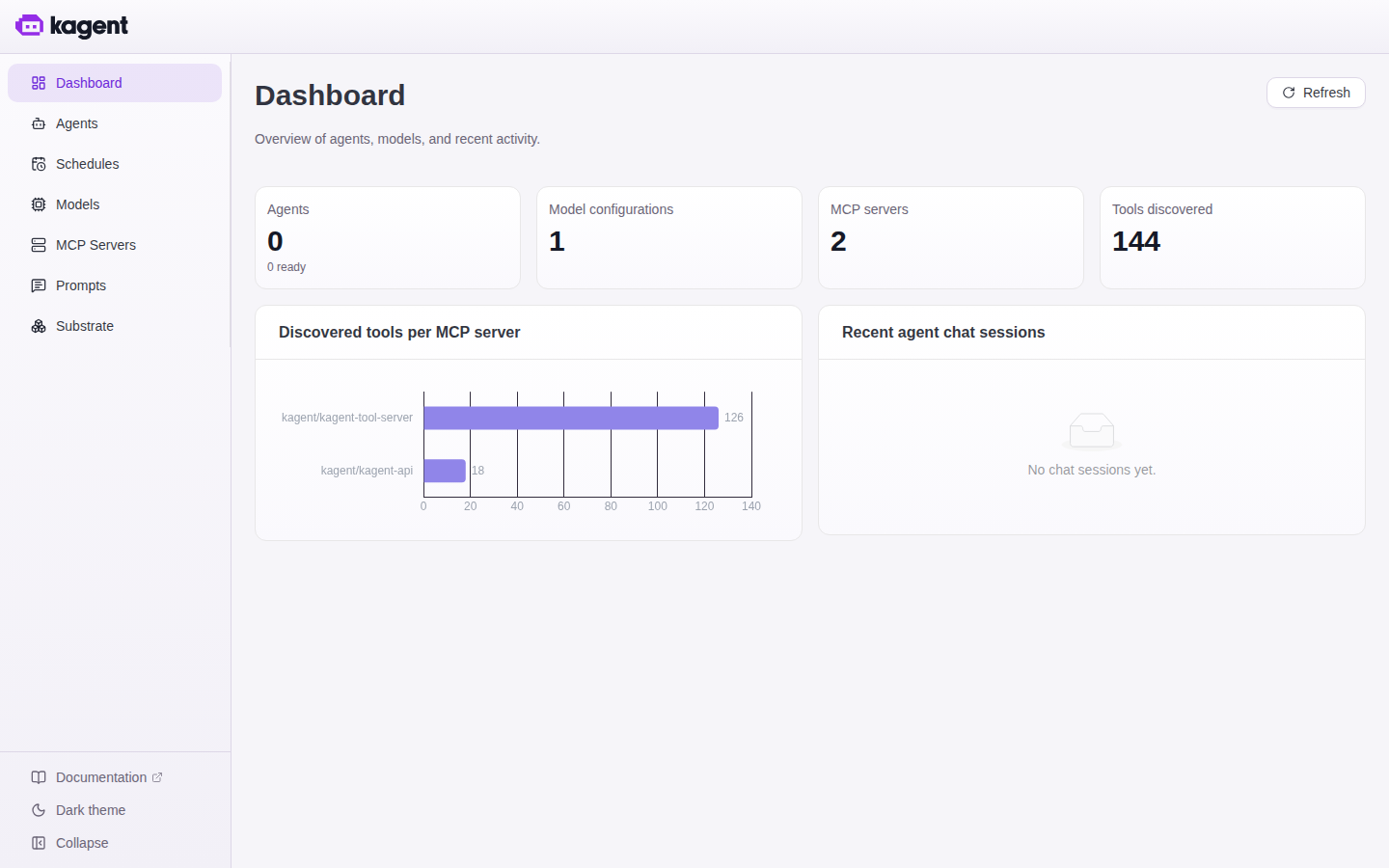
Figure: The kagent dashboard after a fresh installation 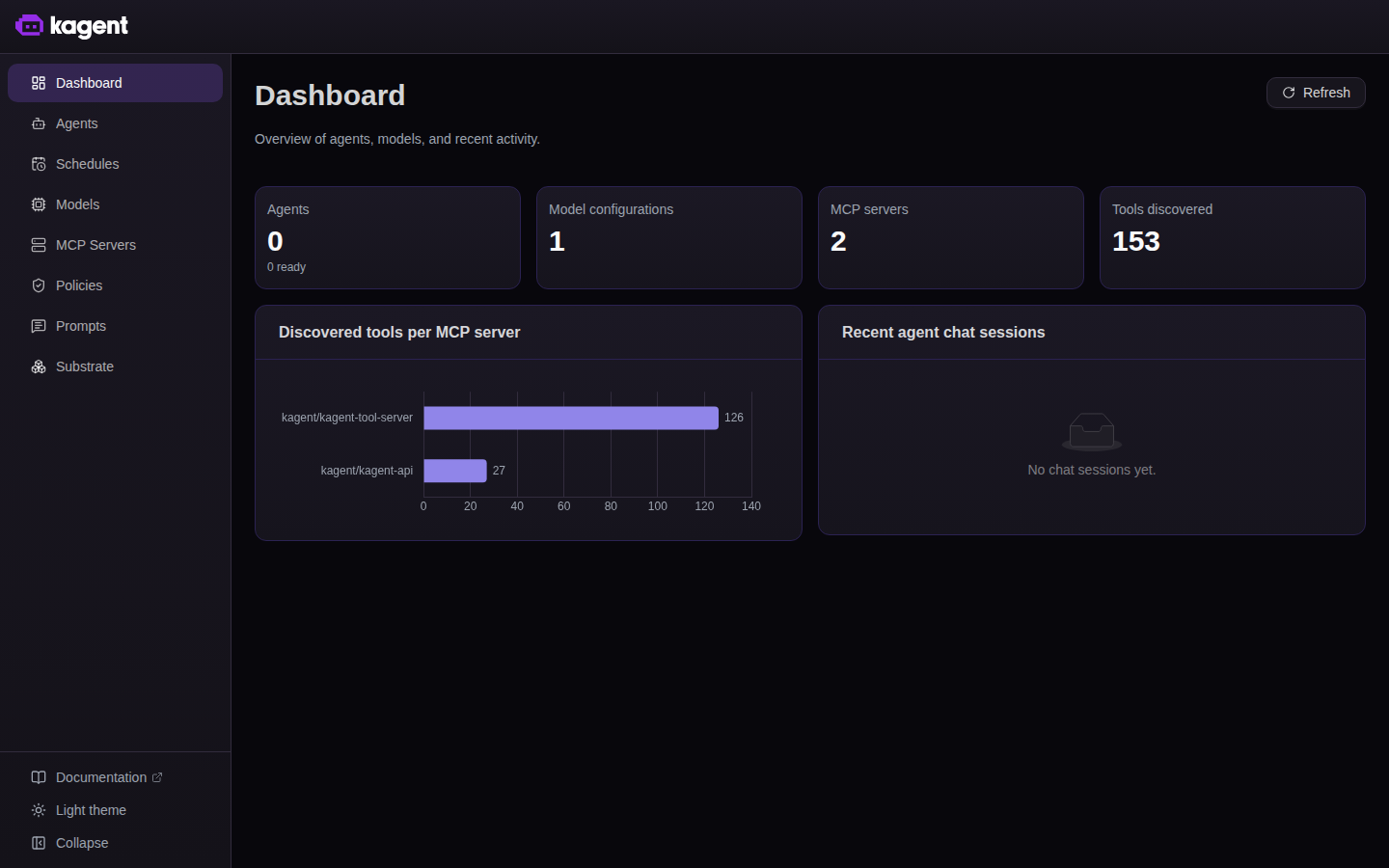
Figure: The kagent dashboard after a fresh installation
Then create an agent in Build an Agent.